Queen Link202400000000.94.0
Publisher Description
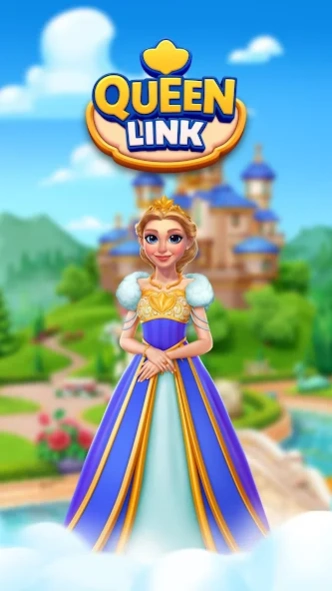


Match Colors, Solve Puzzles, Discover Magic!
Welcome to Queen Link, a brand new puzzle game!
Link colors, solve match-3 puzzles and help Queen design Royal Land’s former glory.
We have thousands of challenging match-3 puzzles for you to solve. During this journey, you will need to collect stars by solving fun puzzles. Come join now and match the same colors to unlock new areas!
Stars are waiting for you trapped in chests and your mission is to free them by matching at least three pieces of the same colored items. You can also claim exciting rewards for your achievements.
Queen Link is ad free and no wifi needed - internet free.
After a long and happy reign, the brilliance of the world's old days has begun to fade. Queen wants you to team up with her for an exciting adventure and compete with other teams.
Let's step into Queen's world and embark on this magical journey together!
An exciting adventure awaits you:
- Unlock and blast power-ups!
- Get tons of coins in each level and to get extra boosters, moves, and lives!
- Pick your moves wisely. Enjoy challenging goals and overcome obstacles on the road such as boxes, cupboards, mysterious mailboxes, bottles and apples!
- Don't miss out on the daily bonus rewards!
- Keep in mind to ask your teammates for extra lives when you need support!
About Queen Link
The company that develops Queen Link is N-Path Games. The latest version released by its developer is 202400000000.94.0.
To install Queen Link on your Android device, just click the green Continue To App button above to start the installation process. The app is listed on our website since 2024-09-11 and was downloaded 0 times. We have already checked if the download link is safe, however for your own protection we recommend that you scan the downloaded app with your antivirus. Your antivirus may detect the Queen Link as malware as malware if the download link to com.NPathGames.QueenLink is broken.
How to install Queen Link on your Android device:
- Click on the Continue To App button on our website. This will redirect you to Google Play.
- Once the Queen Link is shown in the Google Play listing of your Android device, you can start its download and installation. Tap on the Install button located below the search bar and to the right of the app icon.
- A pop-up window with the permissions required by Queen Link will be shown. Click on Accept to continue the process.
- Queen Link will be downloaded onto your device, displaying a progress. Once the download completes, the installation will start and you'll get a notification after the installation is finished.
Program Details
System requirements
Download information
Pricing
Version History
version 202400000000.94.0
posted on 2024-09-11
New events
Bug fixes
version 202400000000.88.1
posted on 2024-09-02
1- Brand new add-ons!
2- New 100 levels!
3- New themes!
4- New live events!
5- Bug fixes!
version 202400000000.65.5
posted on 2024-06-13
Bug fixes.
version 202400000000.64.0
posted on 2024-05-24
New areas, levels and live events.
version 202400000000.56.0
posted on 2024-03-12
Sound related bug fixes and performance improvements
